Getting Started
Everything you need to install Hushwire, create an account, set up a community, and invite others.
Contents
Install
Hushwire has shut down its services and the client apps are no longer available for download. See the shutdown notice for details.
macOS
Open the .dmg file and drag Hushwire to Applications.
If macOS blocks the app ("unidentified developer"), right-click and choose Open, or run:
xattr -d com.apple.quarantine /Applications/Hushwire.appWindows
Run the .msi installer and follow the prompts. Hushwire will appear in your Start menu.
Because the binary is not yet signed, Windows may show a SmartScreen warning. Click "More info" then "Run anyway" to proceed.
Linux
Install the .deb package:
sudo dpkg -i hushwire-client_*.deb
sudo apt-get install -f
Create an Account
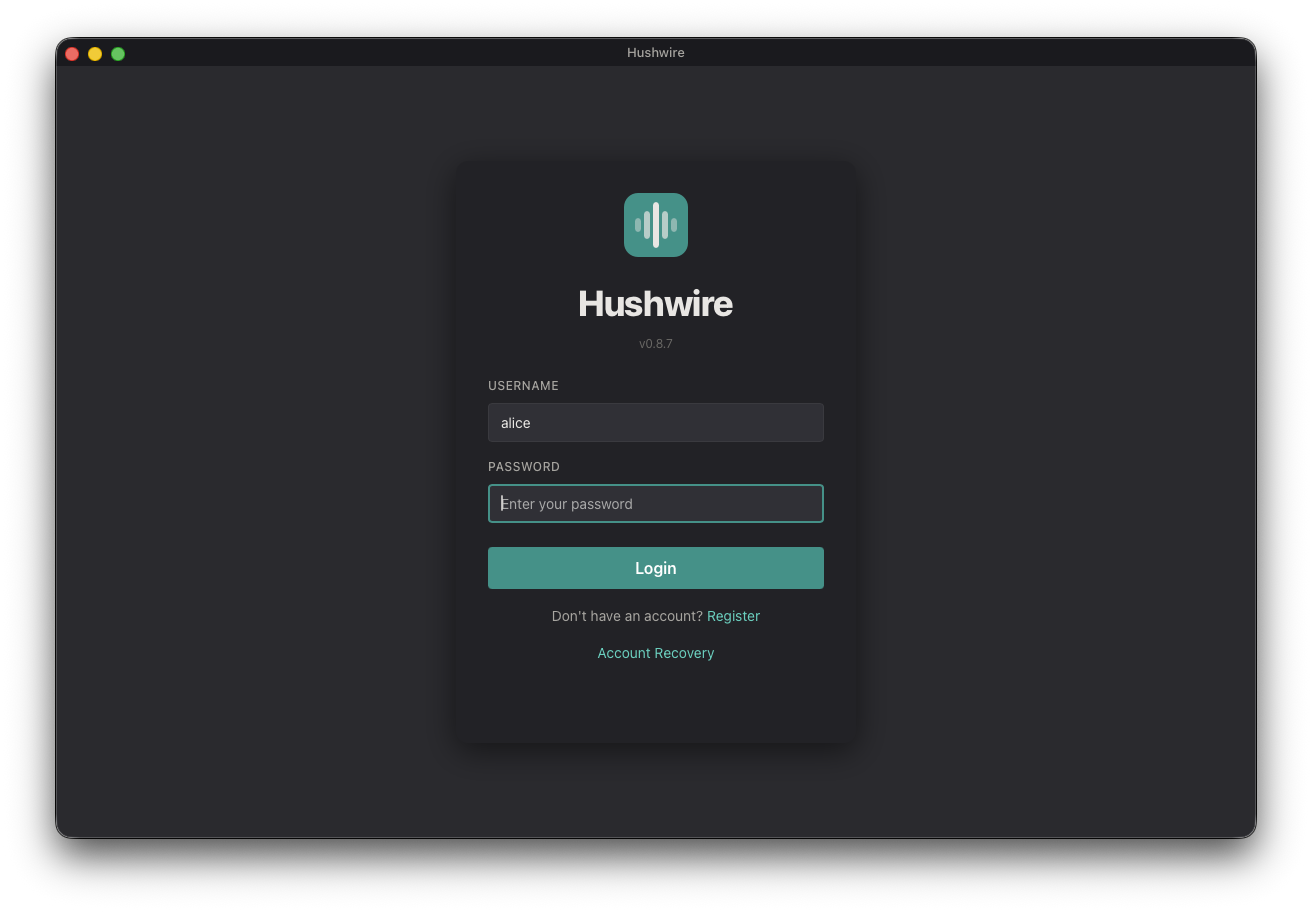
- Launch the client. It connects to the Hushwire server automatically.
- On the login screen, click Register.
- Choose a username and password (minimum 8 characters).
- You're in. You'll need to join or create a community to start chatting.
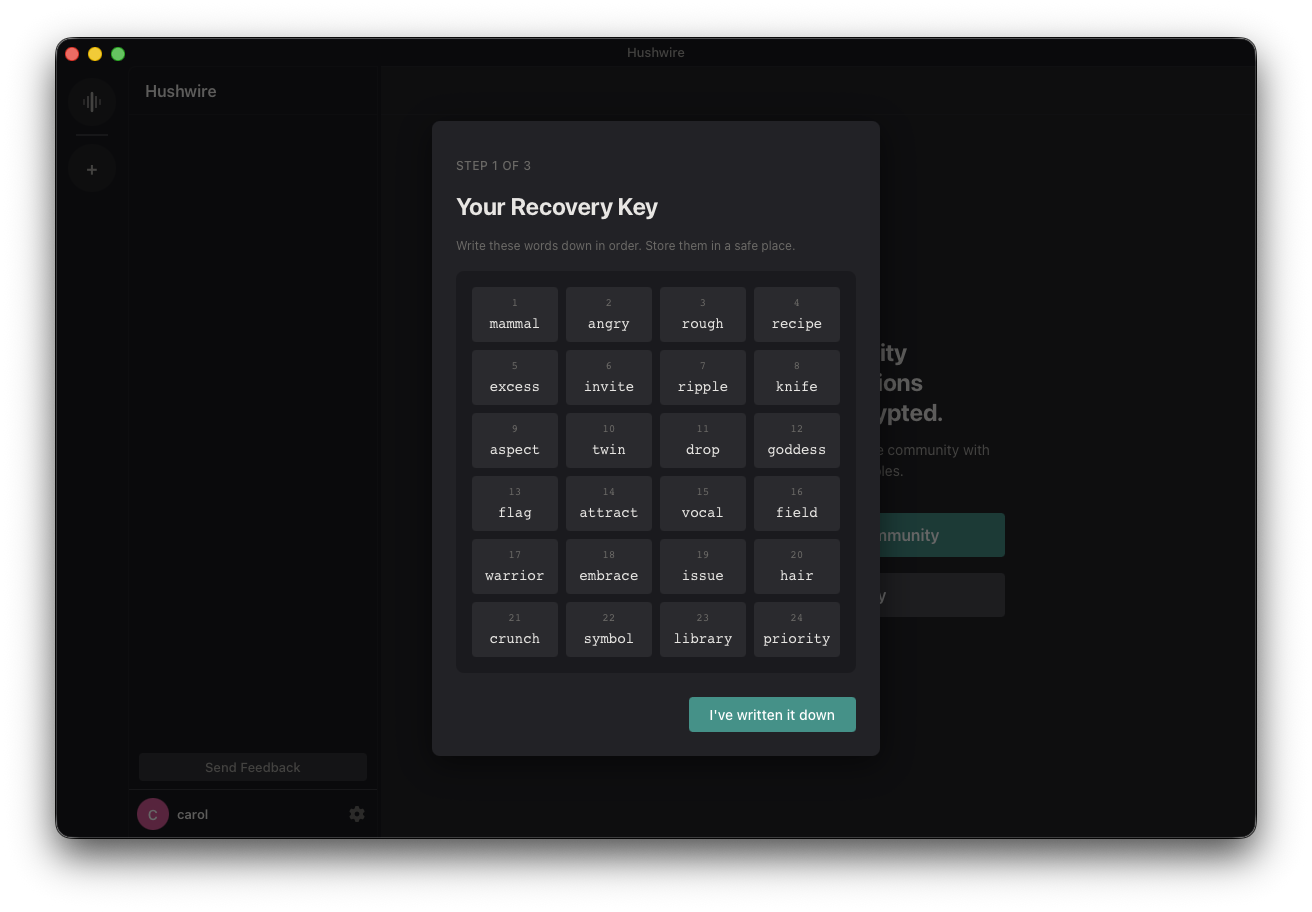
During setup you'll be guided through saving a recovery key — a 256-bit secret shown once as a 24-word phrase. It's the only way back into your account if you forget your password, so don't skip it. See Account Recovery below for the full walkthrough and how to store it safely.
Account Recovery
Because everything is end-to-end encrypted, no one at Hushwire can reset your password or restore your account for you. Your recovery key is the only way back in. When you create an account, Hushwire walks you through saving it in three steps.
Write the 24 words down on paper, or store them in a password manager. Keep them offline and private. Anyone who has them can recover your account — and if you lose them and forget your password, your account and all of its encrypted history are gone for good. The server never sees your recovery key, so there is no email reset to fall back on.
Step 1: Write down your recovery key
Hushwire generates a 256-bit recovery key on your device and shows it once as 24 numbered words. Write them down in order and store them somewhere safe, then choose I've written it down.
Step 2: Confirm you saved it
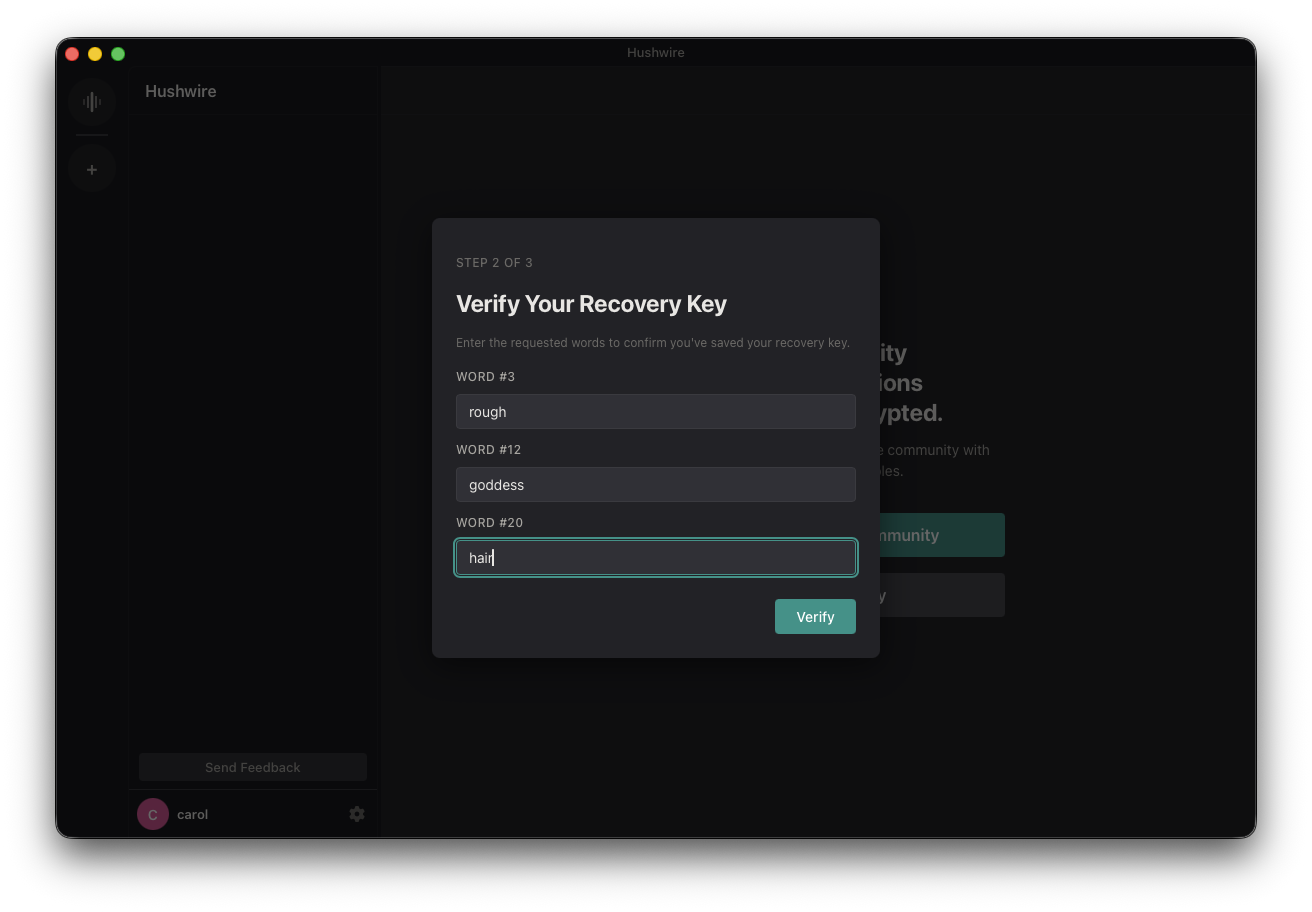
To make sure your copy is correct, Hushwire asks you to re-enter a few of the words by their position — for example word #3, #12, and #20 — then choose Verify.
Step 3: You're set
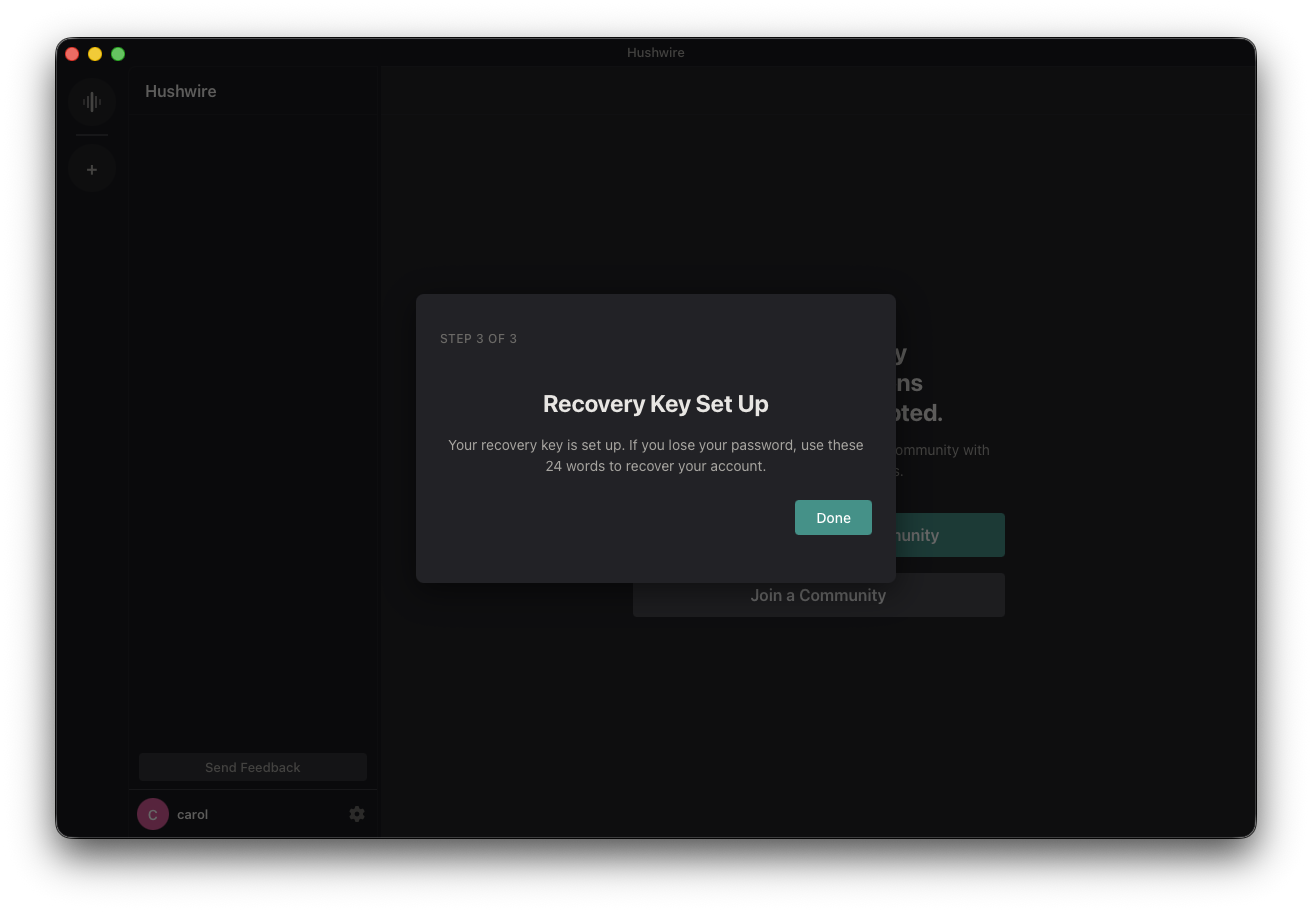
Once the words check out, your recovery key is active. If you ever lose your password or your device, these 24 words are how you get back into your account.
If you forget your password
On the login screen, choose Account Recovery, enter your 24-word recovery phrase, and set a new password. As long as you have your recovery key, you keep access to your account and your full encrypted history. Without it, a forgotten password can't be recovered.
Communities and Channels
Hushwire organizes communities. Each community has its own channels, roles, and categories.
- Create a community — click the + button in the sidebar on the left.
- Join a community — click Join Community and paste an invite link or token.
When you create a community, a #general channel is created automatically. You're auto-joined to all channels within a community.
Inviting Others
To invite someone to your community:
- Open your community and go to community settings (or right-click the community name).
- Click Create Invite to generate a shareable link.
- Send the link to the person you want to invite — text, email, whatever works.
The invite link takes them to a page on hushwire.io with download instructions. The invite itself is their way in — no extra codes or sign-ups.
Once they've installed and created an account, they paste the invite link in the client to join your community.
Voice Chat
- Click a voice channel (e.g. #lounge).
- Your mic activates on push-to-talk (backtick
`by default). - Hold the key to talk, release to stop.
- Change the PTT key in Settings > Audio.
Voice is end-to-end encrypted. The server relays encrypted packets without the ability to hear the conversation.
Identity Verification
The first time you see another user, their identity key is stored locally (trust-on-first-use). If their key ever changes, you'll see a warning.
You can verify identities out-of-band by comparing safety numbers: right-click a user and go to Identity.
Settings
Access settings via the gear icon in the bottom-left user panel:
- Audio — Input/output devices, PTT key, volume
- Identity — Your identity fingerprint
- Devices — Manage linked devices
What's Encrypted
| Feature | Encrypted? | Details |
|---|---|---|
| Text messages | Yes | Sender Keys (hushwire-crypto) |
| Direct messages | Yes | Sealed Sender (hushwire-crypto) |
| Voice chat | Yes | End-to-end encrypted audio |
| Message history | Yes | Epoch key encryption |
| Server-side | Ciphertext only | Server cannot read any content |
Updating
When a new version is available, you'll see a toast notification in the app with a download link. If your version is too old to connect, the app will show an Update Required dialog.
FAQ
Can the server operator read my messages?
No. All messages are encrypted on your device before being sent. The server only sees ciphertext.
What happens if I go offline?
Your messages are stored (encrypted) on the server and delivered when you reconnect. Your community and channel membership persists — you don't lose access to anything.
Can I use multiple devices?
Yes. After logging in on a new device, your primary device will receive a provisioning request. Approve it to link the new device.
What if I forget my password?
Use your recovery key — the 24-word phrase you saved during setup — to reset your password and get back into your account. Without it, a forgotten password can't be recovered, so store it somewhere safe.
How do I report a bug?
Email support@hushwire.io or use the contact form.